
Choosing the right free WordPress theme is one of the most important decisions when building a website. Whether you are starting a blog, business website, portfolio, or eCommerce store, your theme directly impacts SEO performance, website speed, user experience, and search rankings.
In 2026, website owners are no longer selecting themes based only on design. Modern websites require mobile responsiveness, fast loading times, clean code structure, and compatibility with SEO plugins and AI-driven search engines.
The good news is that many free WordPress themes now offer premium-level performance without requiring expensive subscriptions.
This guide explains:
• Why free WordPress themes are popular
• How they affect SEO
• Features to look for
• Best free WP themes in 2026
• Differences between free and premium themes
• Optimization tips for better rankings
If you want a fast and SEO-friendly website without spending money, this article will help you choose the right theme.
Why Free WordPress Themes Are Popular
Free WordPress themes continue to dominate the website-building market because they lower the barrier to entry for beginners and small businesses.
The biggest advantages include the following:
• Zero upfront cost
• Easy installation
• Beginner-friendly customization
• Responsive layouts
• Compatibility with plugins
• Fast setup process
Many startups and bloggers use free themes initially before upgrading to premium solutions.
Popular industries using free WP themes:
• Blogging
• Affiliate marketing
• Small businesses
• Educational websites
• News portals
• Portfolio websites
• Local business websites
Free themes have evolved significantly over the last few years. Many now include advanced customization options, page builder support, and WooCommerce compatibility.
How WordPress Themes Affect SEO
Your WordPress theme directly influences search engine rankings.
Google prioritizes:
• Fast-loading websites
• Mobile-friendly layouts
• Clean HTML structure
• Good user experience
• Core Web Vitals optimization
A poorly coded theme can negatively affect:
• Loading speed
• Crawlability
• User engagement
• Bounce rate
• Mobile usability
An optimized theme improves:
• Organic traffic
• Indexing efficiency
• User retention
• Conversion rates
This is why SEO-friendly WordPress themes are essential for long-term growth.
Key Features of an SEO-Friendly Free WordPress Theme
Before installing any free WP theme, check for these important features.
1. Fast Loading Speed
Website speed is a ranking factor.
A lightweight theme reduces the following:
• Unnecessary scripts
• CSS bloat
• Render-blocking resources
Fast themes improve
• User experience
• Search rankings
• Conversion rates
Themes optimized for performance typically load within 1–2 seconds.
2. Mobile Responsiveness
Most website traffic now comes from mobile devices.
An SEO-friendly theme must:
• Adjust automatically to screen sizes
• Use responsive layouts
• Optimize mobile navigation
• Improve readability
Google uses mobile-first indexing, making responsiveness essential.
3. Clean Code Structure
Search engines prefer themes with:
• Proper heading hierarchy
• Schema markup support
• Semantic HTML
• Lightweight coding practices
Clean code helps search engines understand website content more effectively.
4. Plugin Compatibility
A good free WordPress theme should support:
• SEO plugins
• Cache plugins
• Security tools
• Page builders
• WooCommerce
Popular compatible plugins include:
• Rank Math
• Yoast SEO
• Elementor
• WP Rocket
• WooCommerce
5. Regular Updates
Themes that receive regular updates are:
• More secure
• Compatible with new WordPress versions
• Better optimized for performance
Avoid outdated themes because they can create security and SEO issues.
Best Free WordPress Themes in 2026
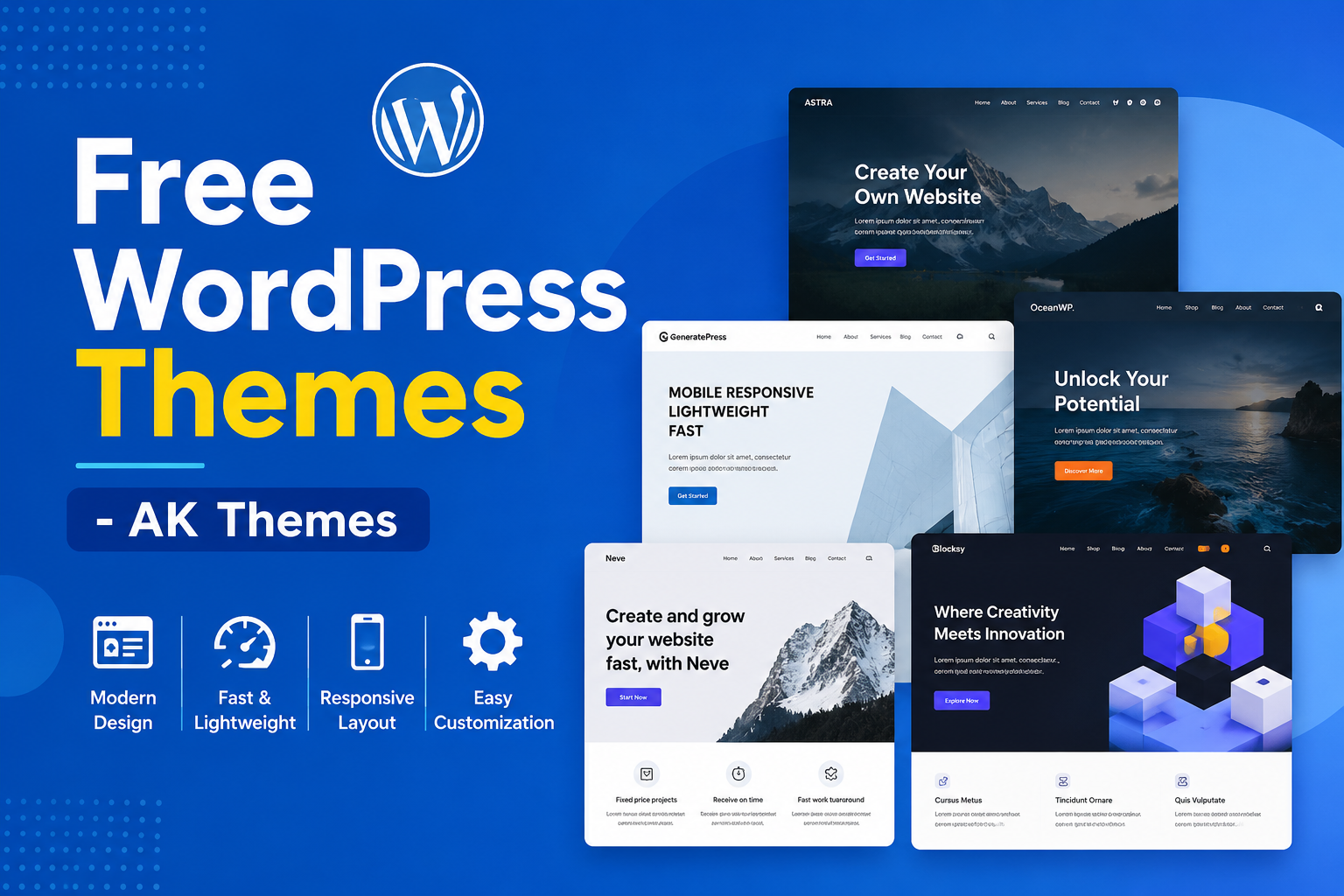
Several free WordPress themes stand out because of their speed, flexibility, and SEO optimization.
1. Astra
Astra remains one of the most popular free WordPress themes.
Key Features
• Lightweight framework
• Fast loading
• WooCommerce support
• SEO-friendly structure
• Starter templates
Best for:
• Blogs
• Business websites
• Affiliate sites
• Online stores
2. GeneratePress
GeneratePress is known for speed and minimal design.
Advantages
• Extremely lightweight
• Clean coding standards
• High Core Web Vitals scores
• Developer-friendly customization
Best for:
• SEO blogs
• Content websites
• Niche authority sites
3. OceanWP
OceanWP offers extensive customization features even in the free version.
Features
• WooCommerce optimization
• Responsive layouts
• Multiple header styles
• Fast performance
Best for:
• eCommerce stores
• Business websites
• Creative portfolios
4. Neve
Neve is optimized for mobile-first websites.
Benefits
• AMP-ready
• Fast performance
• Lightweight design
• SEO-friendly structure
Best for:
• Startups
• Agencies
• Small business websites
5. Blocksy
Blocksy uses modern WordPress technologies and Gutenberg optimization.
Advantages
• Advanced customization
• Modern UI
• Fast loading speed
• WooCommerce features
Best for:
• Modern websites
• Online stores
• Creative brands
Find out more starter free WP templates.

Comparison Table: Best Free WordPress Themes
| Theme | Speed | SEO Friendly | WooCommerce Support | Best Use |
|---|---|---|---|---|
| Astra | Excellent | High | Yes | Business & Blogs |
| GeneratePress | Excellent | Very High | Yes | SEO Websites |
| OceanWP | Good | High | Yes | eCommerce |
| Neve | Excellent | High | Yes | Mobile-First Sites |
| Blocksy | Excellent | High | Yes | Modern Websites |
Free vs Premium WordPress Themes
Many users wonder whether free themes are enough.
Free Themes
Advantages:
• No cost
• Easy setup
• Good for beginners
• Basic customization
Limitations:
• Fewer advanced features
• Limited support
• Restricted templates
Premium Themes
Advantages:
• Advanced design tools
• Dedicated support
• More templates
• Better customization
Limitations:
• Higher cost
• Feature overload in some cases
For most beginners, a free SEO-friendly theme is sufficient.
How to Install a Free WordPress Theme
Installing a free WordPress theme is simple.
Step 1: Login to WordPress Dashboard
Go to:
Appearance → Themes
Step 2: Click “Add New.”
Search for your preferred theme.
Examples:
• Astra
• GeneratePress
• Neve
Step 3: Install and Activate
Click:
• Install
• Activate
Your website design changes instantly.
Tips to Optimize Your Free WordPress Theme for SEO
Even the best theme needs optimization.
Use an SEO plugin.
Recommended SEO plugins:
• Rank Math
• Yoast SEO
This help optimize:
• Meta titles
• Descriptions
• XML sitemaps
• Schema markup
SEO Optimize Images
Use:
• Compressed images
• WebP format
• Descriptive ALT text
Example ALT text:
“Free WordPress theme dashboard layout”
Use Caching Plugins
Caching improves website speed.
Popular options:
• LiteSpeed Cache
• WP Rocket
• W3 Total Cache
Minimize Plugins
Too many plugins slow down websites.
Use only necessary plugins to maintain performance.
Use Quality Hosting
Hosting affects:
• Loading speed
• Uptime
• Security
• SEO performance
A fast theme performs better on optimized hosting.
Common Mistakes When Choosing Free WordPress Themes
Avoid these common problems.
Choosing Design Over Speed
Heavy animations and effects may slow down your website.
Ignoring Mobile Optimization
A non-responsive theme harms rankings and user experience.
Installing Nulled Themes
Nulled themes may contain:
• Malware
• Spam links
• Security vulnerabilities
Always download themes from trusted sources.
Using Outdated Themes
Inactive themes can create compatibility issues with modern WordPress versions.
How Free WordPress Themes Support AI Search Optimization
Search engines are increasingly using AI-driven ranking systems.
Modern SEO-friendly themes support:
• Structured content
• Schema markup
• Fast loading
• Better content indexing
• Improved user experience
AI search engines prefer websites that:
• Load quickly
• Provide clear structure
• Deliver valuable content
• Work well on mobile devices
This makes lightweight WordPress themes more important than ever.
FAQ
Are free WordPress themes good for SEO?
Yes. Many modern free WordPress themes are optimized for speed, responsiveness, and SEO best practices.
Which free WordPress theme is fastest?
GeneratePress, Astra, and Neve are among the fastest free WordPress themes in 2026.
Can I use free WordPress themes for business websites?
Yes. Many free themes support professional business websites and WooCommerce stores.
Are free themes secure?
Themes downloaded from official WordPress repositories are generally secure and regularly updated.
Do free WordPress themes support WooCommerce?
Many popular free themes support WooCommerce integration for online stores.
Conclusion
Free WordPress themes have become more powerful, faster, and SEO-friendly than ever before. Modern themes now provide responsive layouts, clean code structures, WooCommerce support, and optimization features that help websites compete in search rankings without requiring large investments.
Themes like Astra, GeneratePress, OceanWP, Neve, and Blocksy demonstrate that free solutions can deliver professional-level performance for blogs, businesses, and eCommerce websites.
The most important factor is choosing a theme that balances the following:
• Speed
• SEO optimization
• Mobile responsiveness
• Plugin compatibility
• User experience
As search engines continue moving toward AI-driven discovery and mobile-first indexing, lightweight and well-optimized WordPress themes will play an even bigger role in website success.
A strong SEO-friendly foundation starts with the right theme, and today’s best free WordPress themes provide exactly that for beginners and professionals alike.